vtMonitor
vtAlpha, vtVAX, vtSparc and the shared Virtual Machine Manager vtServer offer a lot of functionality. The host environment they run on has more capabilities and uses newer technologies than the original Alpha, VAX or Sparc systems. We have added a management tool to bring the two worlds together and make maximum use of all resources.
This management tool, named vtMonitor, runs in a web browser (Firefox, Explorer, Edge, Safari, Opera, Chrome). It allows you to manage your virtual Alphas, VAXes and Sparcs, as well as the environment they run in, from any location in the company network.
The prime function of vtMonitor is to create and manage virtual Alpha/VAX/Sparc configurations. These configurations are the virtual equivalent of the Alpha/VAX/Sparc you are replacing. The configuration specifies system type, number of CPUs, memory size, which physical or logical disks are attached to the configuration, network links, etc.
The tool allows you to start, stop and manage these virtual machines, as well as manage the host environment.
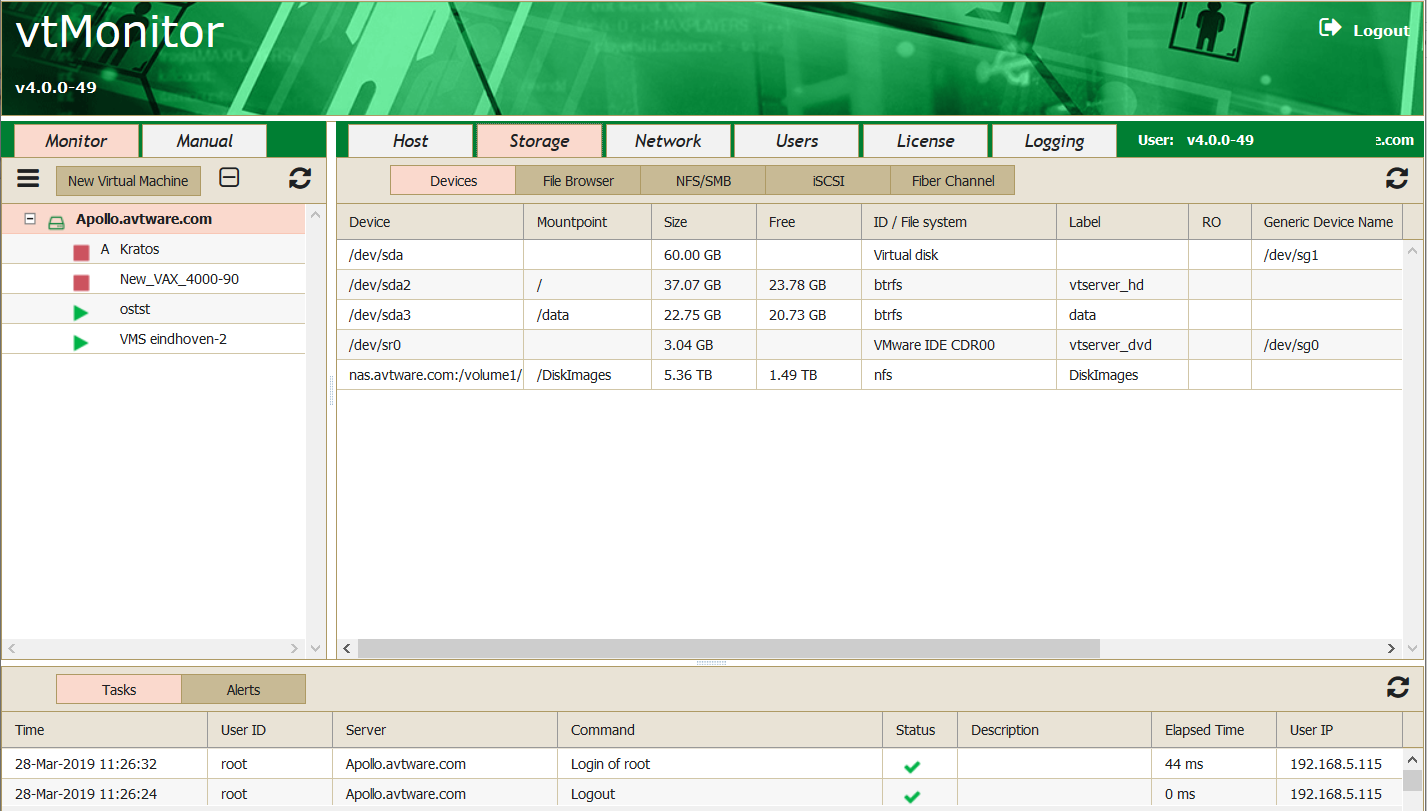
What kind of storage is connected to the host? Local storage? SAN? Network Attached Storage (iSCSI, NFS, SMB)? And how do I map all that to my virtual Alphas, VAXes and Sparcs?
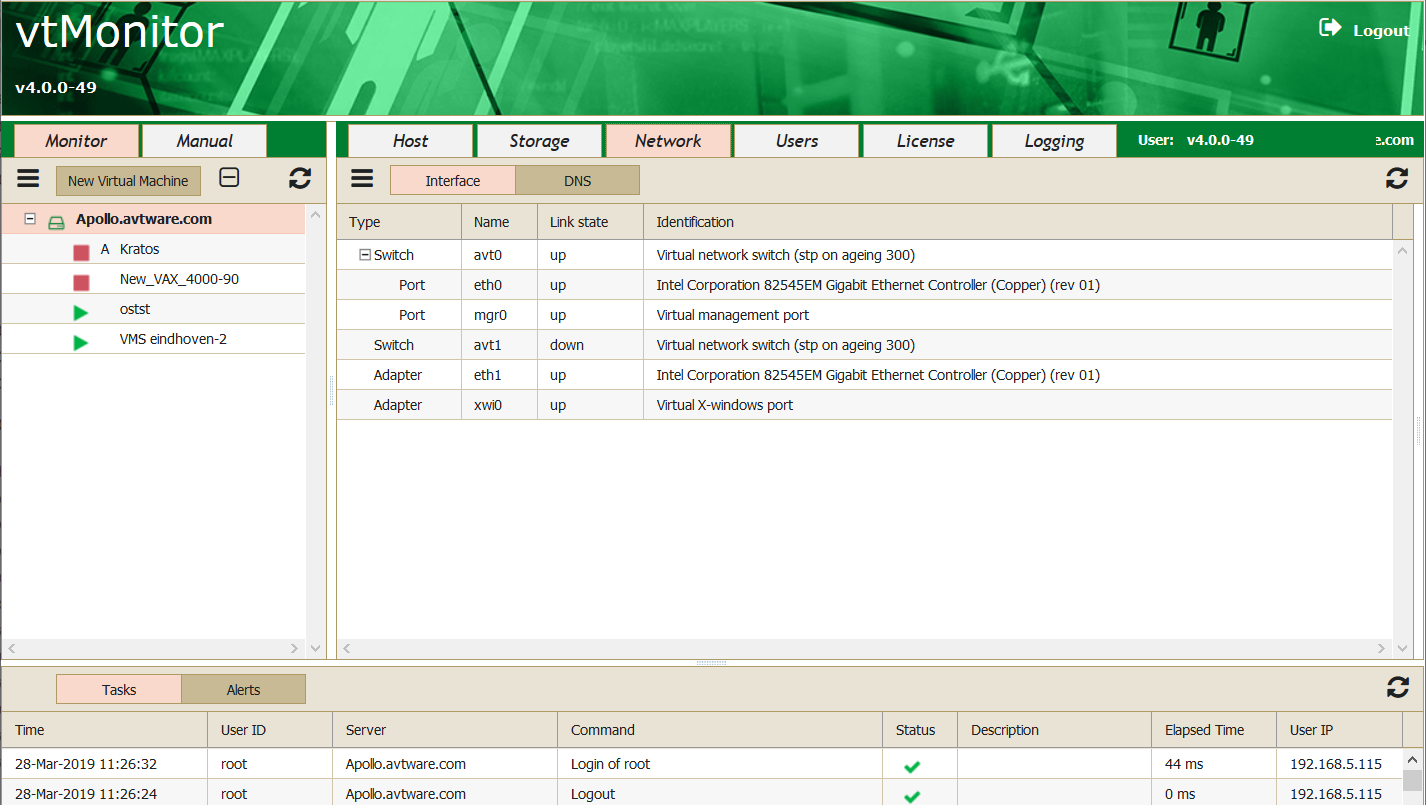
Which (virtual) network adapters do I use in my vtVAX, vtAlpha and vtSparc? How are they connected to the host environment?
What storage capabilities are available to this host? How to link them to the virtual Alphas, VAXes and Sparcs?
Which system managers have access to this tool? How do I apply patches or new versions? How to secure/protect the vtAlpha, vtVAX and vtSparc environment? How do I utilize all the other resources of the host system?
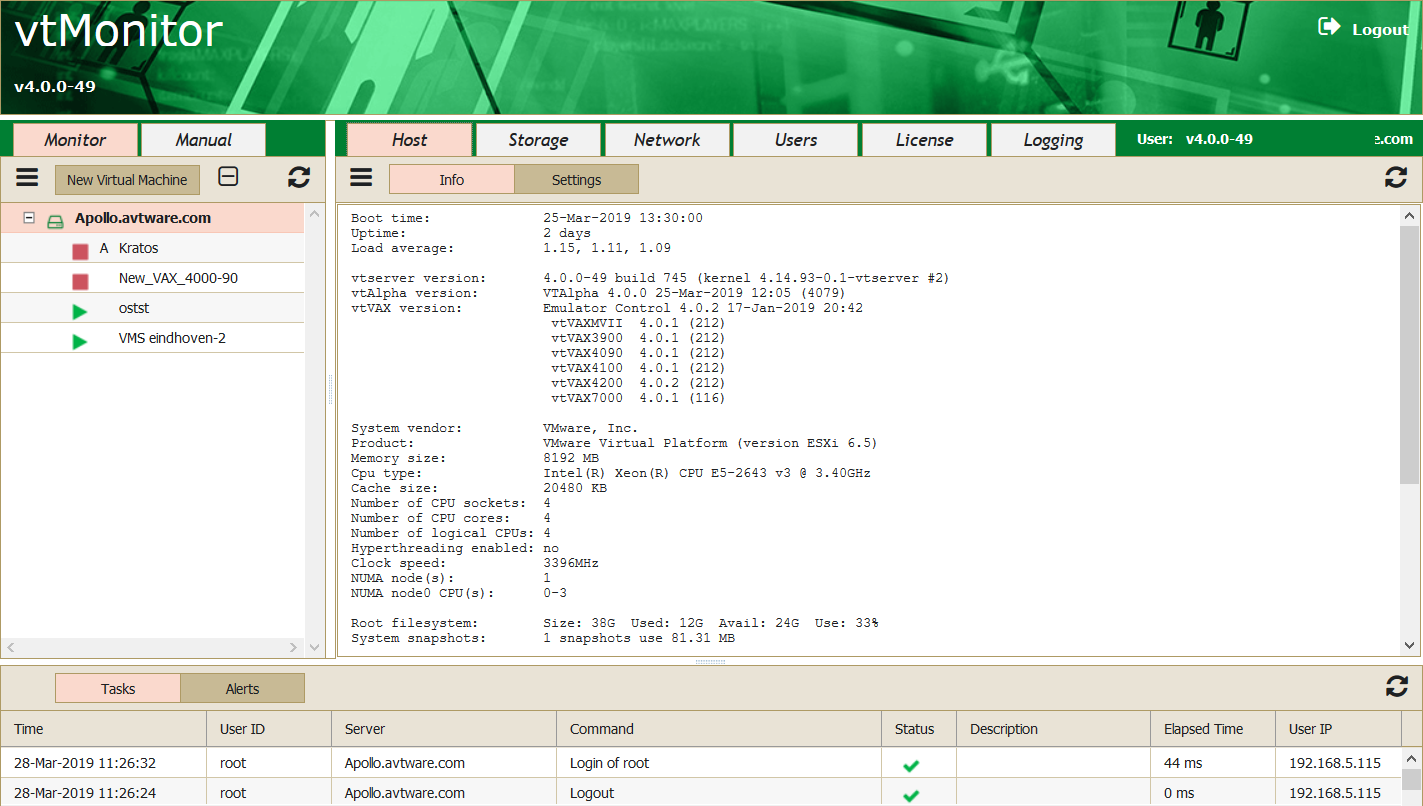
vtMonitor is the answer to all these questions. This easy-to-use management tool employs a point-and-click approach to create virtual systems and manage their environment. The following screenshots give a quick overview of its capabilities.
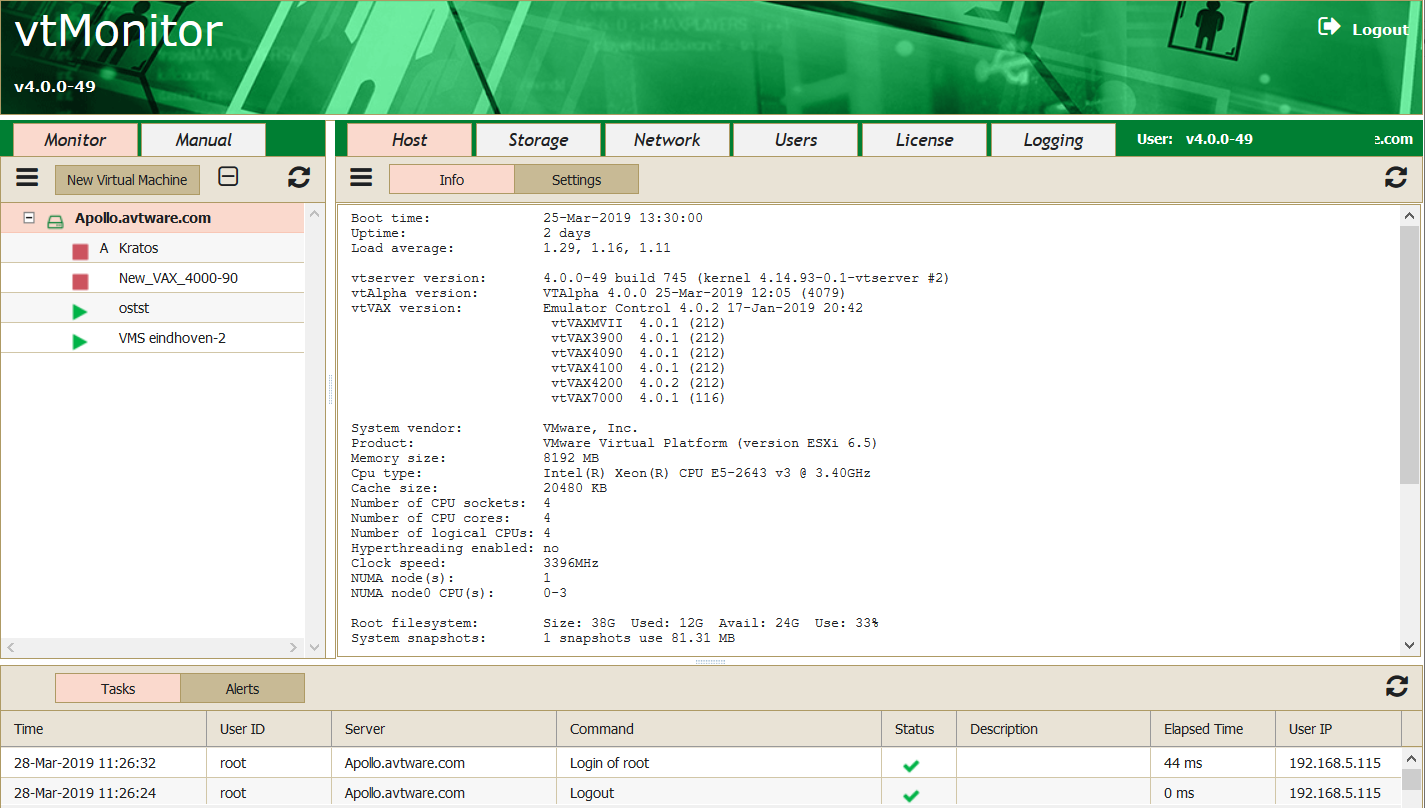
System Management functions:
- Create/Manage configurations
- Start/stop virtual Alpha/VAX
- Embedded Console
- Manage connected storage
- Manage host network links
- Manage virtual network devices
- Apply product updates
- Stop/reboot Host system
- Manage vtAlpha/vtVAX/vtSparc licenses
- System Manager Admin
- System software backup
- Support info and link
- Online documentation